
LED video walls · Dallas–Fort Worth
LED Video Walls
LED video wall design and installation for signage, control rooms, boardrooms, and conference rooms. Kelltech Systems brings display technology, intuitive control, and local support together.
Replacing a projector? Start here ↓LED video wall installation in Dallas–Fort Worth
Make the information that matters easier to see.
A presentation should reach the back of the room. A lobby should make a memorable first impression. An operations team should be able to see its priorities together.
Kelltech Systems designs and installs LED video wall systems around those everyday outcomes. From a single conference room to a large commercial display, we coordinate the screen, mounting, content sources, processing, audio, network, and controls as one system.
Direct-view LED creates the image at the display surface. Modular LED cabinets can form a continuous canvas without the bezel grid of a tiled LCD wall. The right result still depends on viewing distance, pixel pitch, room light, content resolution, and careful installation.
Four ways to put a larger canvas to work
Designed for the way your business communicates.
Lobbies, showrooms & customer spaces
Welcome visitors, showcase your work, introduce products, and change messages for events or seasons. A large-format display can become part of the architecture while a content-management plan keeps the message current.
Design priority: viewing angles, ambient light, brand content, scheduling, and an owner for ongoing updates.
A shared view of operations
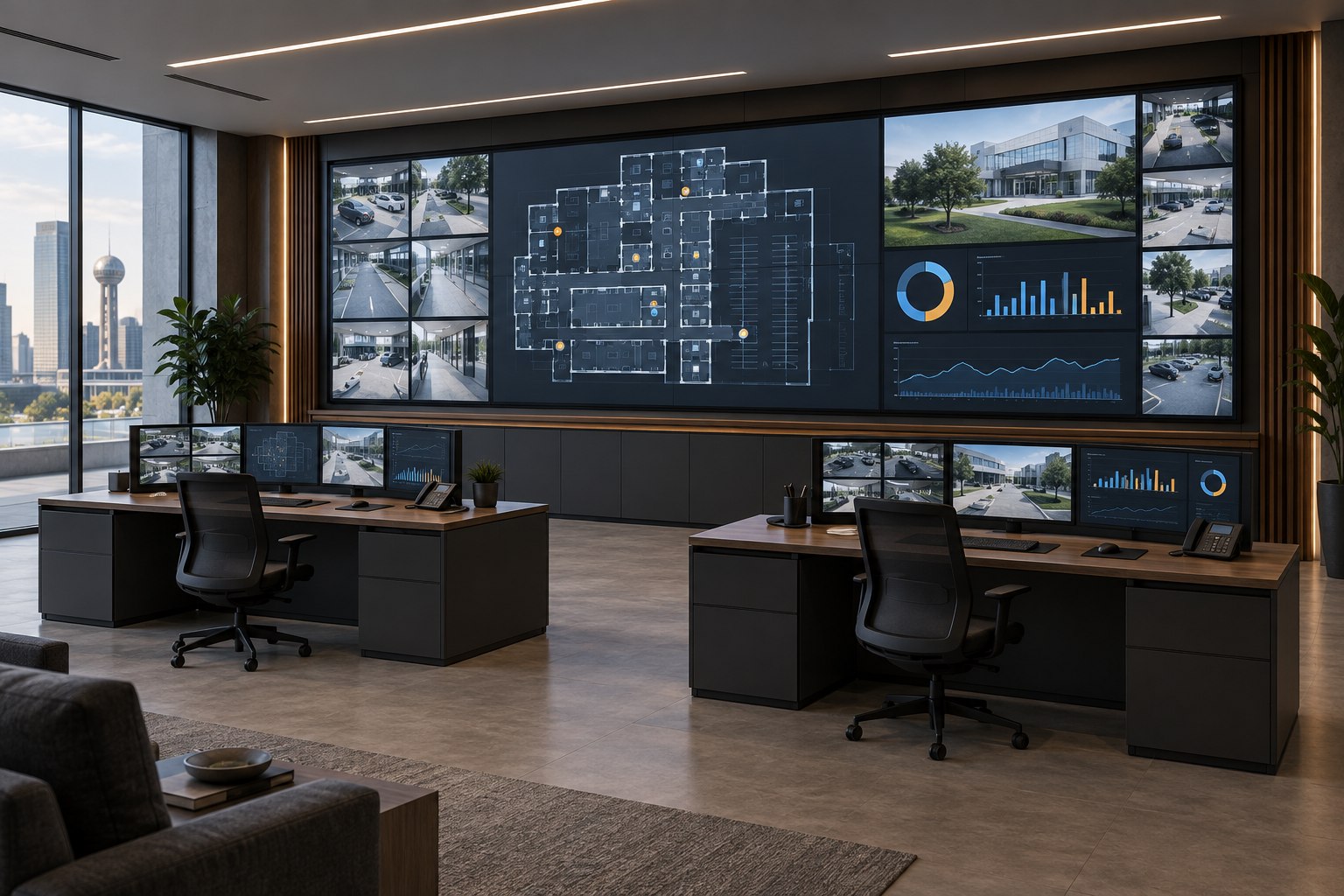
Bring selected camera views, dashboards, maps, and operational data onto one coordinated canvas. Give teams a common visual reference while retaining the detail and controls they need at their workstations.
Design priority: readable source layouts, secure integration, operating hours, service access, and any required redundancy.
Presentations with presence
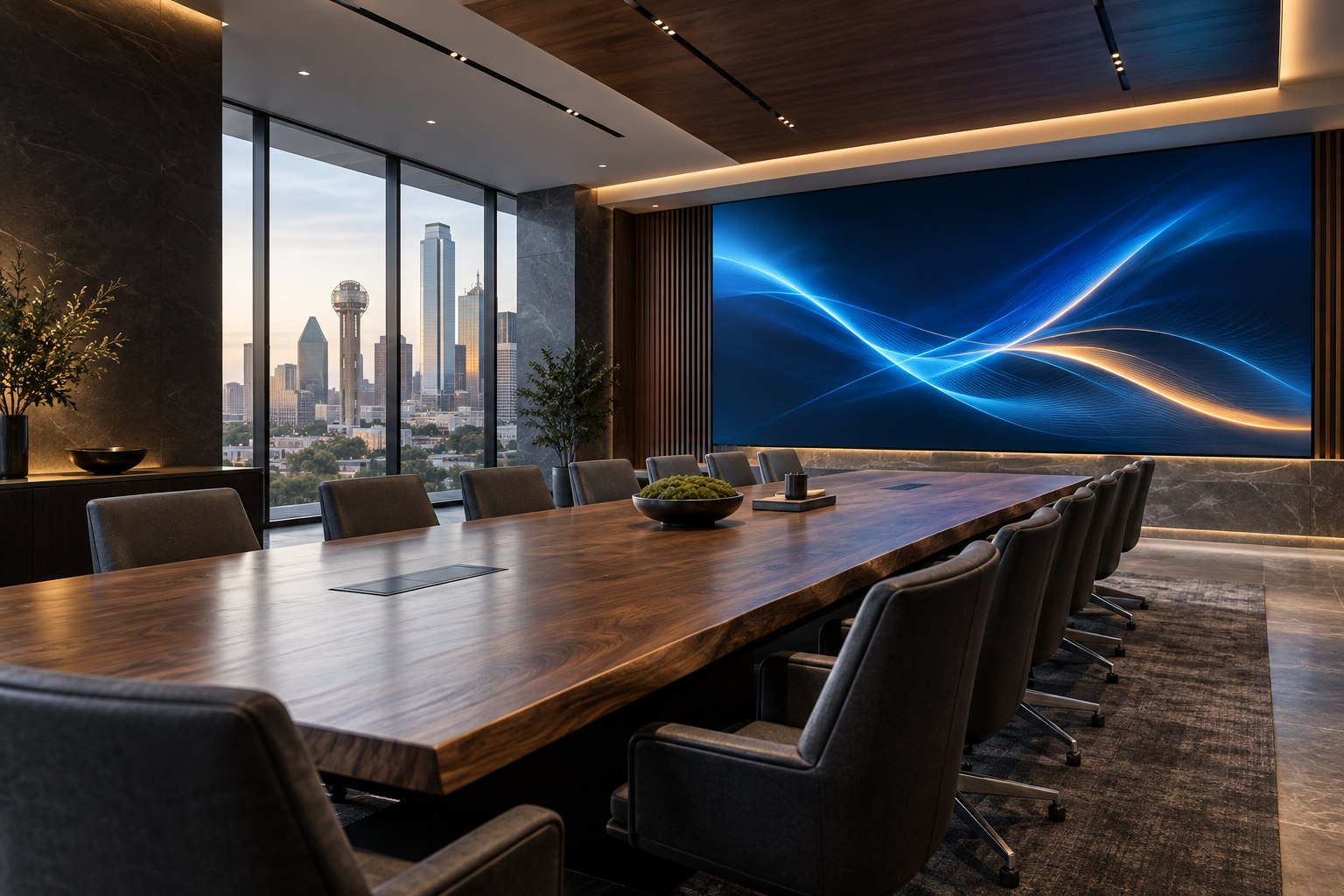
Give client presentations, planning sessions, and leadership meetings a large, uninterrupted visual surface. Coordinate display resolution with the spreadsheets, drawings, and presentations your team actually uses.
Design priority: close-up image quality, sightlines, architectural integration, and simple source selection.
Room for people and their ideas
Support presentations, hybrid meetings, training, and multipurpose collaboration. Plan the canvas so shared content and remote participants have useful space, with microphones, speakers, and cameras designed alongside it.
Design priority: visibility from every seat, conferencing compatibility, audio clarity, and repeatable room controls.
Build the business case around use
More than a larger screen.
Make meeting space more useful
A properly sized image helps the whole room follow the discussion. Start with the farthest seat and the smallest important content—not just a diagonal screen measurement.
AVIXA: how content and viewing distance inform display size ↗
Keep messaging adaptable
One display can support welcome content, brand storytelling, event information, or internal communications. Value comes from relevant content and a manageable update process, not screen size alone.
Give teams a common reference
Shared operational views can support briefings and coordination. Select the source management, permissions, and display layout around the team’s workflow.
Compare the cost of ownership—not only the display quote.
Evaluate equipment, structural work, electrical capacity, installation, processing, software licenses, content creation, energy use, service, spare modules, and staff training over the same planning period. Then connect that cost to a defined use: more effective presentations, a reusable communications surface, or a shared operations view.
Measure your own baseline: meeting setup time, room utilization, support incidents, content-update effort, and maintenance spend. LED walls are not automatically cheaper to operate or a guaranteed source of revenue. A good proposal makes the assumptions visible so you can decide whether the improvement is worth the investment.
Modernize the room, not just the equipment
Is it time to replace an aging projector?
Washed-out presentations, shadows across the screen, and hard-to-read details are reasons to reassess the experience.
A direct-view LED wall can remove the projection beam and screen from the presentation path. It is worth considering when the room needs a permanent large display, lights-on use, and a continuous image. We assess the existing projector, screen, cabling, audio, control system, and room before recommending what to keep or replace.
| Room challenge | What LED can change | What to verify |
|---|---|---|
| Lights wash out the image | The display produces light at the image surface, supporting bright-room applications. | Required brightness, reflections, glare, dimming, and comfortable viewing in the actual room. |
| People interrupt the beam | No projector beam crosses the room, eliminating presenter shadows caused by that beam. | Wall location and sightlines; people and furniture can still block a viewer’s line of sight. |
| Lamp replacements and alignment | LED removes projector-lamp replacement and projection alignment from the maintenance plan. | LED module service, calibration, cooling, and spare parts. Modern laser projectors also avoid traditional lamp changes. |
| Small text is hard to read | A suitably sized canvas can make content easier to share across a room. | Pixel pitch, native resolution, source scaling, font size, and viewing distance. Larger does not automatically mean sharper. |
| An old room is difficult to operate | A display upgrade is an opportunity to simplify source selection and room controls. | Compatibility of existing switchers, conferencing equipment, cabling, audio, and control programming. |
Projection may still be the right choice when a retractable screen, flexible room layout, or a lower initial budget matters more. Compare LED, a commercial flat panel, and a modern laser projector against the same content and room conditions. Explore LG’s business projector alternatives ↗
From dashboards to decisions
One canvas. The right information.
A control-room wall is only as useful as the information people can read and act on. We plan source layouts, switching, permissions, viewing positions, and the relationship between the shared wall and individual workstations.
For extended-hour or continuous operation, the selected display and the complete system must match the duty cycle. Redundancy, backup power, monitoring, and spares are project-specific design decisions—not assumed features of every LED wall.
Connect the display to a broader video strategyDisplay technology
The right display for your room.
Kelltech Systems uses LG commercial video wall products, selected around the size, viewing distance, and operating needs of your space.
All-in-one LED
A defined screen format can simplify selection for boardrooms and conference rooms. All-in-one direct-view LED products combine integrated components; controller, audio, operating platform, and control compatibility vary by model.
All-in-one product options ↗Modular direct-view LED
Build a canvas around the available wall and its purpose. We compare cabinet layout, pixel pitch, resolution, service access, brightness, and processing for signage, larger meeting spaces, and operations rooms.
Modular product options ↗LCD video wall alternatives
Tiled LCD video walls offer another approach. These use separate panels with visible seams and may suit some budgets and applications. LED-backlit LCD is different from direct-view LED; we explain the tradeoffs clearly.
LCD product options ↗Final product selection, availability, operating-hour ratings, warranty, and integrations are confirmed in the project proposal. LG links provide manufacturer background; they do not establish a savings or performance guarantee for your installation.
Design · Installation · Integration · Support
Plan the details that make the wall work.
01 / Start with the audience
Bring real slides, spreadsheets, camera layouts, and signage content. We evaluate the closest and farthest viewers, seating, room light, and the smallest detail people need to see. Pixel pitch describes the spacing between LEDs; closer viewing generally requires a finer pitch.
02 / Coordinate the building
Confirm structural support, wall flatness, mounting depth, power, heat load, ventilation, pathways, and front or rear service access with the appropriate project team. The finished design should preserve the room’s architecture and a practical maintenance path.
03 / Connect the complete system
Match source resolution, aspect ratio, switching, processors, network capacity, content management, and control. Coordinate meeting-room audio and cameras or operational source systems. Define who can change content and how the system is supported.
04 / Prove it in everyday use
Check alignment, uniformity, content scaling, brightness, source changes, and readability from intended seats. Test the agreed workflows, train the operators, provide documentation, and establish service and spare-parts expectations.
Local knowledge. Long-term accountability.
Serving businesses across Dallas–Fort Worth.
Kelltech Systems supports commercial LED video wall projects throughout the DFW area, including Dallas, Fort Worth, Plano, Frisco, McKinney, Allen, Richardson, Addison, Carrollton, Irving, and Arlington. Our Dallas-based team works with business owners, facilities leaders, IT teams, architects, designers, and general contractors.
Whether you are refreshing a boardroom, replacing a conference-room projector, planning a lobby display, or improving an operations center, we begin with the space and the job the display needs to do.
Before you choose a display
LED video wall questions, answered.
How much does an LED video wall cost?
Pricing depends on size, pixel pitch, resolution, product series, mounting, structural work, power, processing, controls, installation, and support. A finer-pitch wall for close boardroom viewing can have different requirements from a lobby display viewed across a large space. Kelltech prepares a scoped proposal after reviewing the room and intended content.
Can an LED wall replace our existing projector?
Often, yes. We first review the room, image size, viewing distances, wall support, electrical capacity, content, and existing AV equipment. Compatible audio or controls may be retained. A retractable screen or a particularly tight initial budget may favor projection instead.
Is a direct-view LED wall the same as a group of televisions?
No. Direct-view LED forms the image with LEDs across modular cabinets, without the panel bezel grid of a tiled LCD wall. A television or commercial LCD panel uses a different display construction. Both technologies can be useful; the application determines which fits.
Can we show several sources at once?
Yes, with suitable processing and source integration. The number of sources, simultaneous windows, layout options, resolution, latency, and permissions depend on the selected system. Multiview should be specified and demonstrated rather than assumed to be built into every display.
Will it work with our video conferencing system?
An LED wall can serve as the room display when the connections, resolution, aspect ratio, and controls are compatible. Cameras, microphones, speakers, echo control, and conferencing software still need their own design. We test the full meeting workflow, not just a picture on the wall.
Can the display run all day or around the clock?
That depends on the selected product and its installation conditions. We confirm the manufacturer’s operating-hour rating, cooling, power, service plan, and any required resilience for your application. Not every all-in-one display is intended for continuous control-room operation.
Does Kelltech install outdoor LED signage?
Tell us about the location and exposure. This page focuses on indoor commercial LED walls. Outdoor applications require separately selected weather-rated products and review of mounting, brightness, electrical, environmental, and permitting requirements.
Give your next big idea the right canvas
Let’s plan your LED video wall.
Share the room dimensions, a few photos, typical content, and what you want to improve. Kelltech Systems will help define a practical path from concept to daily use.
Call 214.341.0411 · Dallas–Fort Worth design, installation, and support